Knowledgebase
Schematic
Power
The default power source is from the USB-C at 5V [VUSB]
The onboard 5V-3.3V Regulator supplies power to all of the circuitry [3V3]
Power consumption [TBD]
If you want to supply power at the connectors, you can do this, just be careful to not plug in the USB-C cable, since there would be a conflict. Like if you want to make this battery powered, you could apply a 4.2V cell to the VUSB connection. Again, just be careful to not connect the USB-C. Same goes for the 3.3V conenction, you could just apply 3.3V here, but same thing as before, do not connect to the USB-C port.
Programming
Arduino IDE 2.3.4
ESP32 Core Version 3.1.0
Flash Settings

Forcing download mode
You can do this easily by shorting the BOOT IO0 pin on the connector to GND. Then just power cycle (plug in with the USB-C) then it will be in download mode. Sometimes when you have some code that’s crashing, it is dificult for the auto-download function to work.
Expansion

These connections here can be used for anything you want. They are JST SH/SR 1mm connectors. I just use one of these kits from Amazon to make my own cables
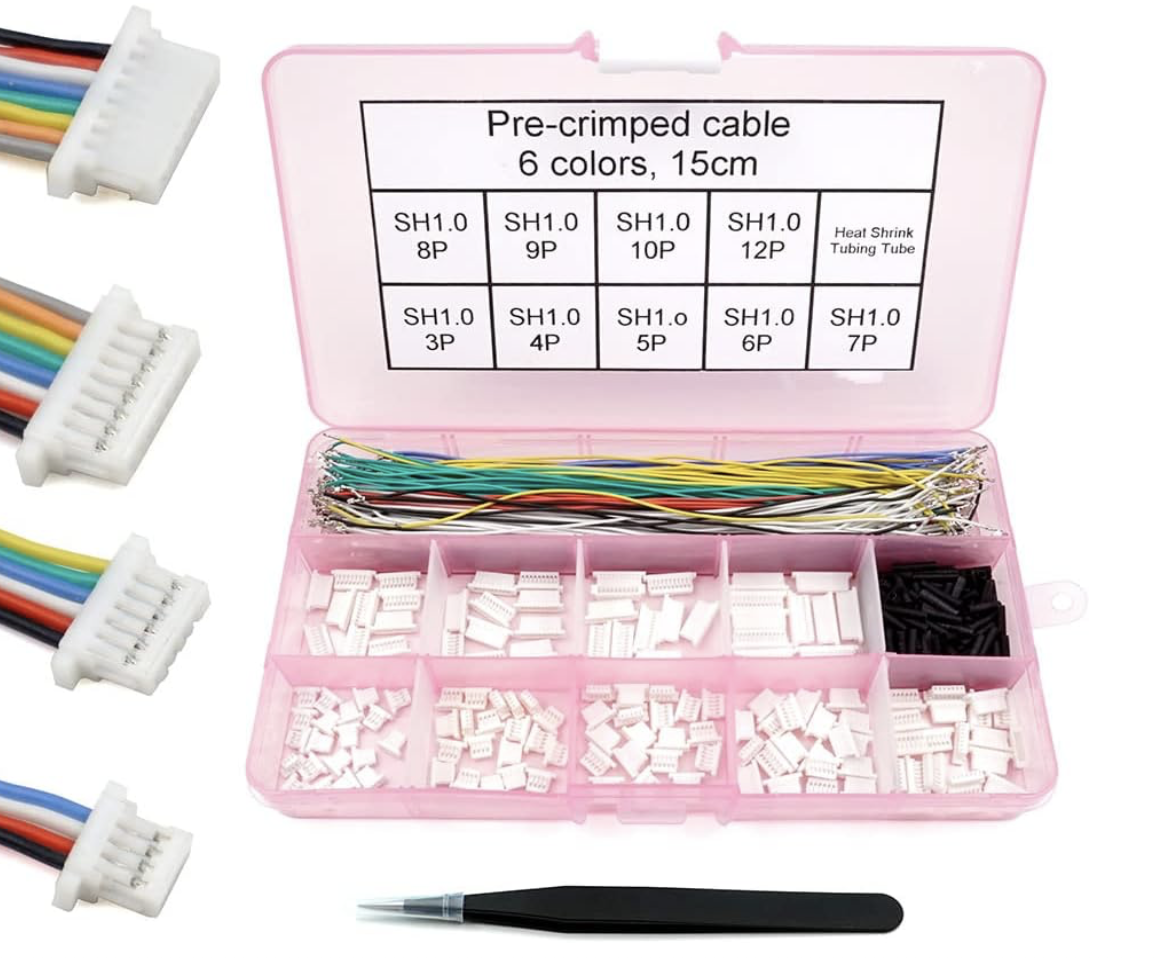
All spare IO pins on the ESP32 are broken out on the backside of the board:

Mechanical

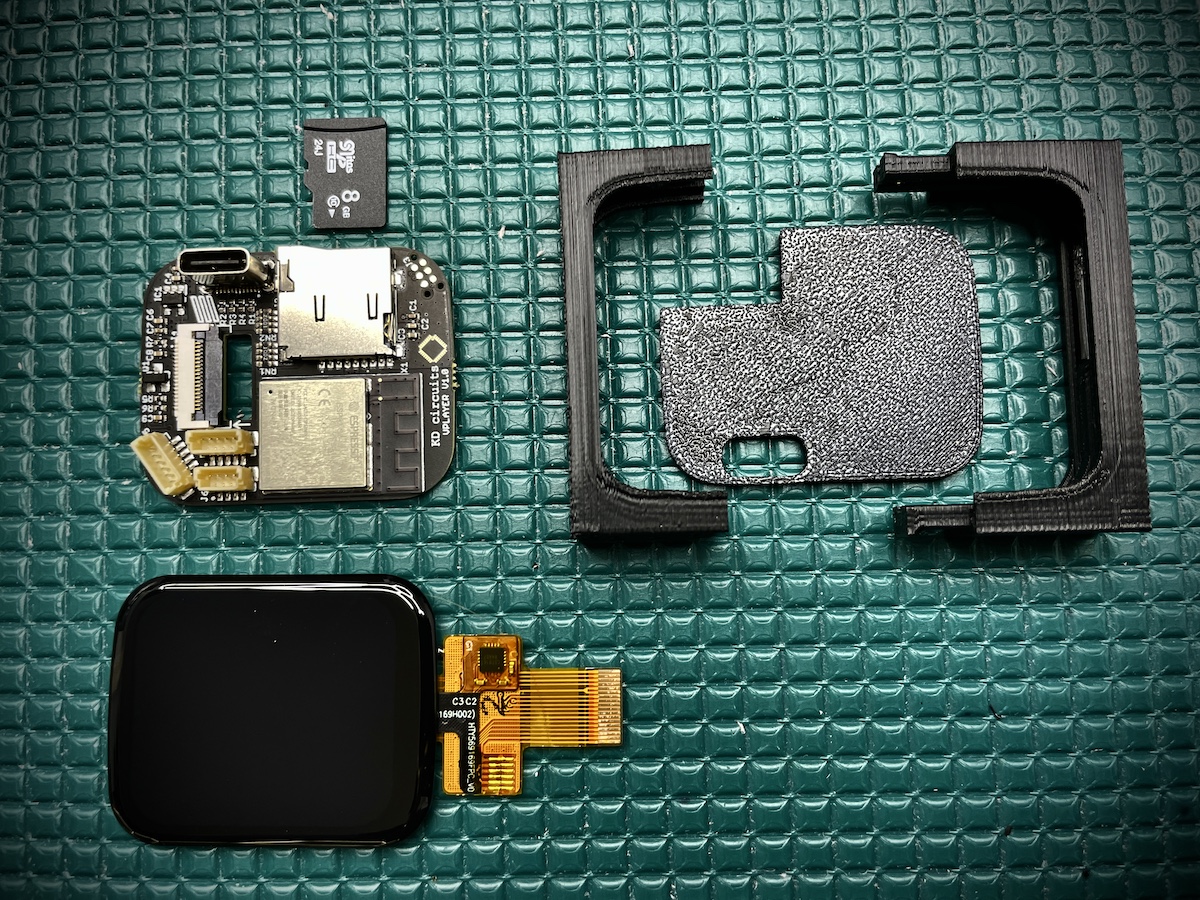
The case I came up with is made up in 3 pieces