Weather Display
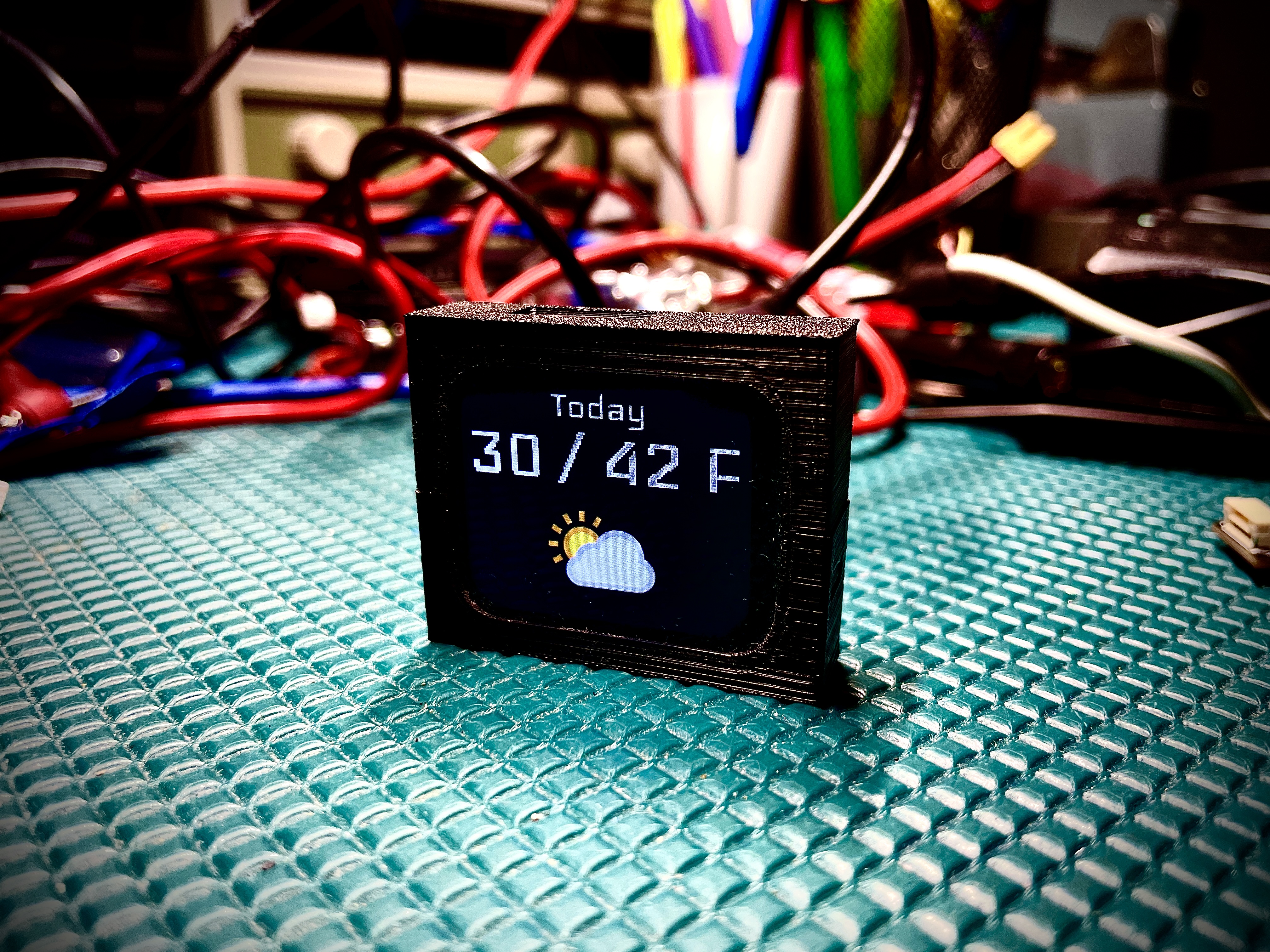
This project turns the vPlayer into a compact weather dashboard using WeatherAPI data over Wi-Fi.
What This Firmware Does
Shows current temperature + weather icon
Shows today and tomorrow forecast:
high/low temperatures
rain chance
condition icons
Rotates through 5 views automatically (every 3 seconds)
Reads Wi-Fi + API settings from SD card
Supports boot-time self-update from
/firmware.binon SD card
First-Time Setup
1) Get a WeatherAPI key
Create a free account at WeatherAPI and copy your API key from your dashboard.
2) Prepare SD card settings file
Create /settings.txt in SD card root with exactly 4 lines:
YOUR_WIFI_SSID
YOUR_WIFI_PASSWORD
YOUR_WEATHERAPI_KEY
YOUR_ZIP_CODE
Example:
MyWiFi
mySecretPass
abc123weatherapikey
90210
Keep your API key private and do not commit it to GitHub.
Screen Views
The display cycles through:
Current temp
Today high/low
Today rain %
Tomorrow high/low
Tomorrow rain %
Firmware Update (from main vPlayer firmware)
Download weather firmware from vPlayer Weather Releases
Or use direct latest asset: Latest firmware.bin
Save the file to SD root as
/firmware.binReboot board (or reboot into weather firmware)
Weather firmware detects
/firmware.bin, flashes it, removes it, and reboots
If successful, serial output includes:
Firmware update completed successfully!