Video Player with Folders Project
My Favorite Video Player Code Features
Auto-Play Splash Screen On boot, the player automatically loops a video—ideal for a splash screen or instructional clip.
Folder Previews When you tap the screen, you’ll see a snapshot of each folder’s videos. Swipe left/right or use the arrow buttons to browse.
Playback Modes Choose to play the videos in each folder sequentially or in shuffle mode.
Easy Exit To exit during video playback, just touch and hold.
Fast-Forward & Skip Swipe to fast-forward within a video, or tap to jump ahead.
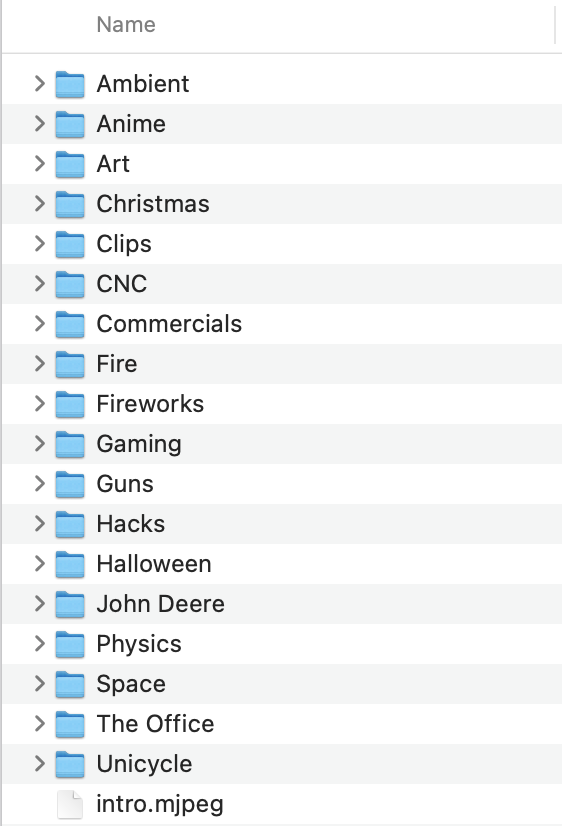
Just organize your SD card like this:
And here is the code and bin file in the releases: