Traffic/Webcam Viewer
Overview
This variant of vPlayer is designed to display live webcam or traffic images on a TFT screen. Instead of playing local videos from the SD card, the device periodically downloads and decodes JPEG images from specified URLs. It still relies on an SD card, but only for configuration rather than local video storage.
Key Features
Wi-Fi Connectivity Automatically connects to the network using credentials in
/settings.txt.Dynamic Image Retrieval Periodically fetches JPEG images from multiple URLs, allowing you to rotate through live webcams, traffic feeds, or any image-based stream.
Configurable Settings A simple file on the SD card (
settings.txt) stores:Wi-Fi SSID and password
Refresh interval (in milliseconds)
List of up to 50 image URLs
Adaptive Scaling The JPEG decoder scales large images to fit available memory and optimize performance.
Potential for OTA/SD Updates Includes a placeholder function to check for firmware updates at boot (checkAndUpdateFirmware()), which you can expand for over-the-air or SD-based updates.
Getting Started
Prepare the SD Card Create a
settings.txtfile with the following (each entry on a new line):YOUR_SSID YOUR_PASSWORD 5000 https://example.com/image1.jpg https://example.com/image2.jpg
The first two lines are Wi-Fi credentials.
The third line defines the refresh interval (in milliseconds).
Each subsequent line lists a URL pointing to a JPEG image.
Here try this out: https://itscameras.dot.state.oh.us/images/D03/SR-18_Windfall_Rd.jpg
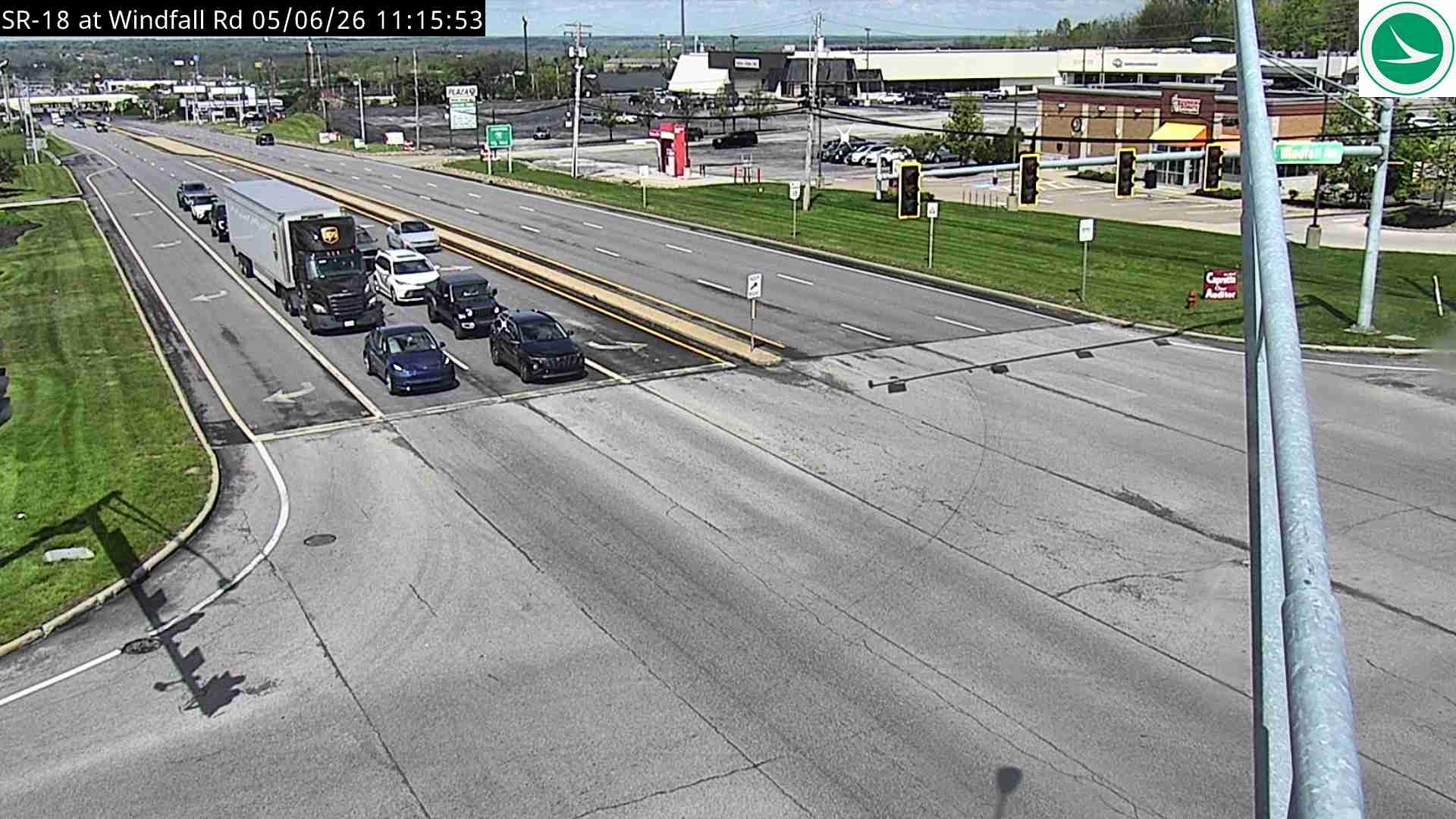
Upload the Firmware - Just go to the releases page here and get the .bin file. Drop that on the SD card and boot up:
Note
While this variant of vPlayer doesn’t play videos, it’s perfect for low-bandwidth surveillance, traffic monitoring, or displaying live stills from your favorite webcams.